Make READMEs and terminals feel like yours.
Create headers for GitHub projects, CLI splash screens, code comments and terminal banners without fighting a command-line tool.
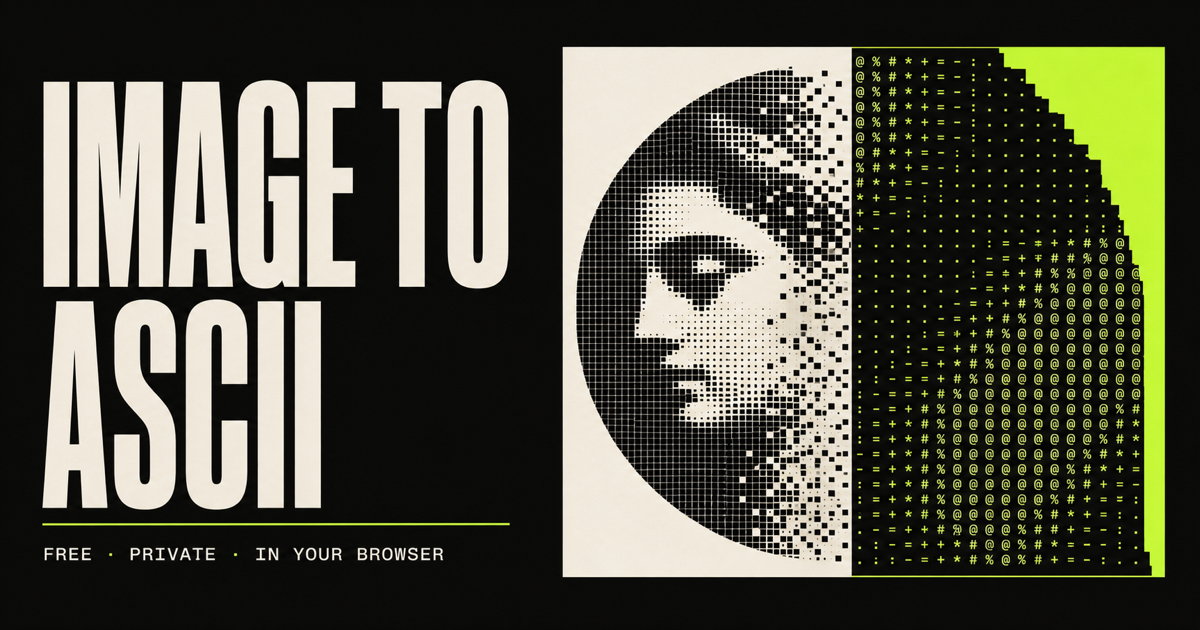
Your browser shrinks the image into a grid, measures the brightness of each cell and swaps that tone for a character with matching visual weight.
Drop a JPG, PNG or WebP. The source file stays in your browser.
Pick a character set, adjust width and switch the output background.
Copy the exact text or download a clean UTF-8 file for anywhere you type.
Create headers for GitHub projects, CLI splash screens, code comments and terminal banners without fighting a command-line tool.
Explore graphic treatments for posters, social posts, zines and experiments with precise control over the character density.
Make avatars, signatures and reactions for Discord, Reddit, Twitch or any place where plain text is the common language.
No. The first release decodes and converts your image with browser APIs on your device. The source image is not sent to an application server.
You can use JPG, PNG and WebP images up to 15 MB. Transparent PNG and WebP pixels are composited against the active preview background.
ASCII art is a text grid. Character width tells you exactly how many symbols each line will contain, which makes the result easier to fit into terminals, documents and posts.
Yes. The result is plain Unicode text. Use Copy text for your clipboard or download the same output as a UTF-8 .txt file.